Verify signatures
Check whether a batch of contracts is signed and valid, with a SHA-256 audit trail.
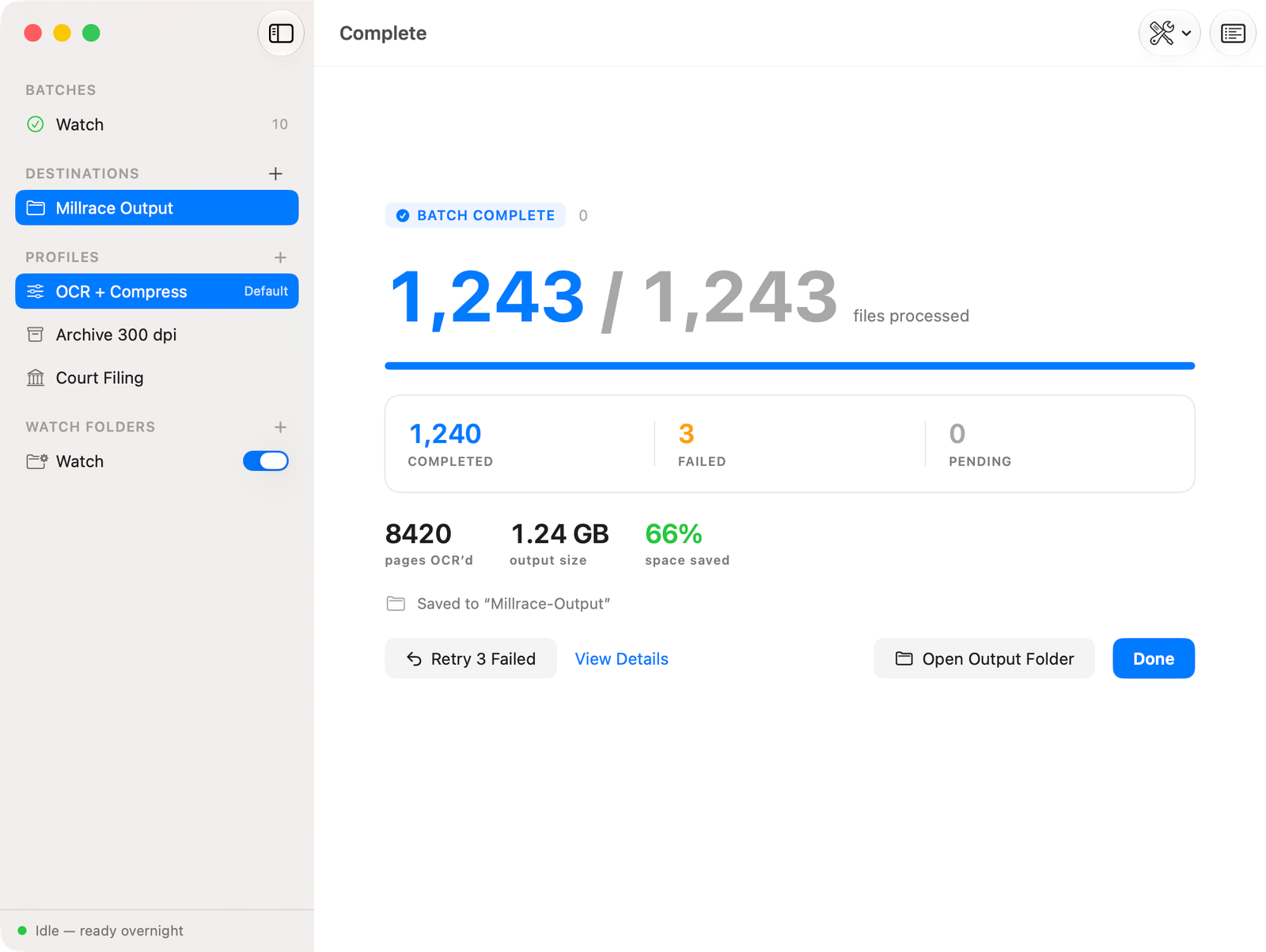
Batch OCR for thousands of PDFs — searchable, redacted, signed-off — processed overnight, 100% on-device.
Available on the Mac App Store · One-time purchase
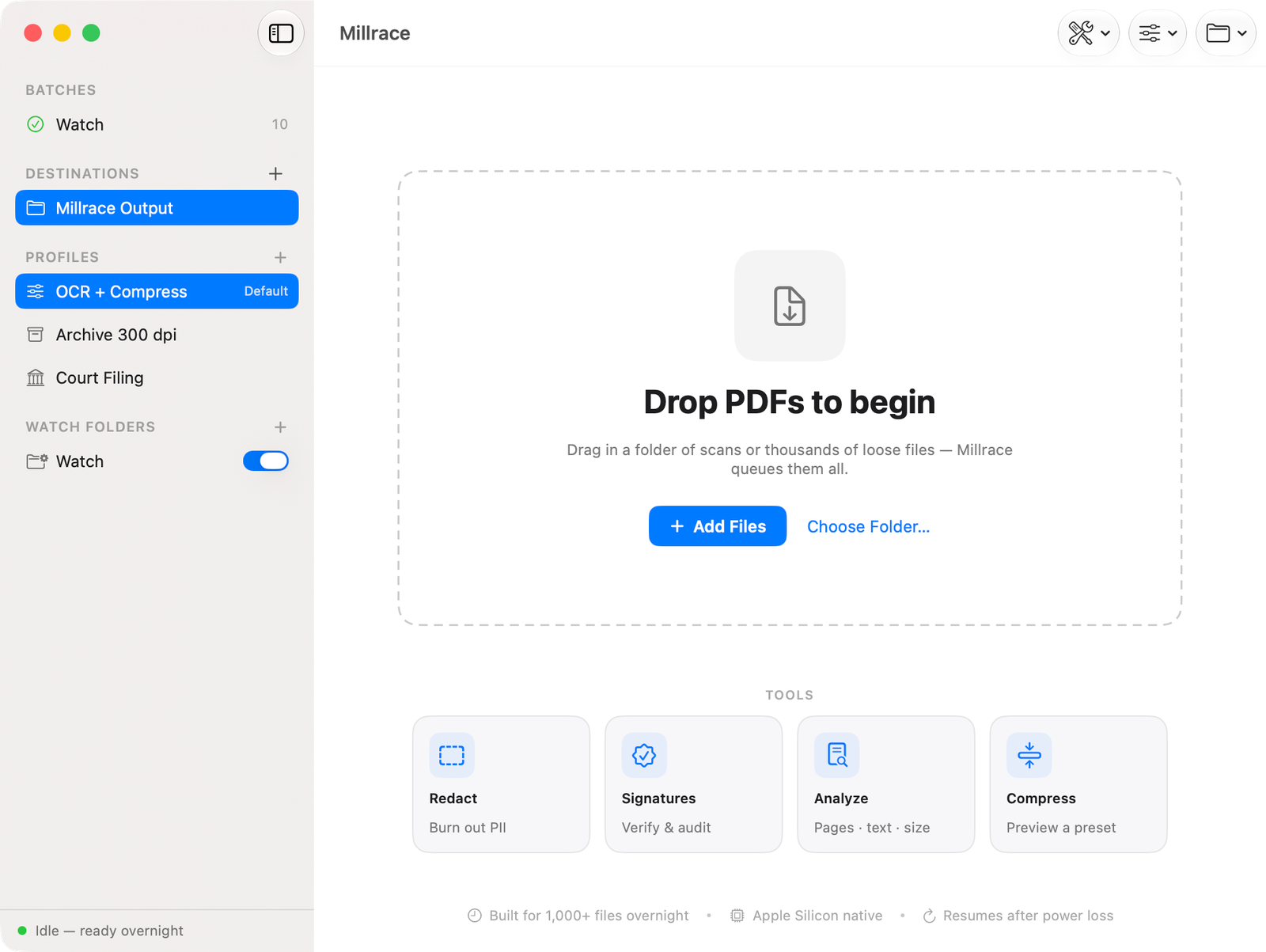
Apple Vision and Foundation Models run on your Mac. No file ever touches a server — there isn't one. Turn off Wi-Fi and run a full batch; it works exactly the same.
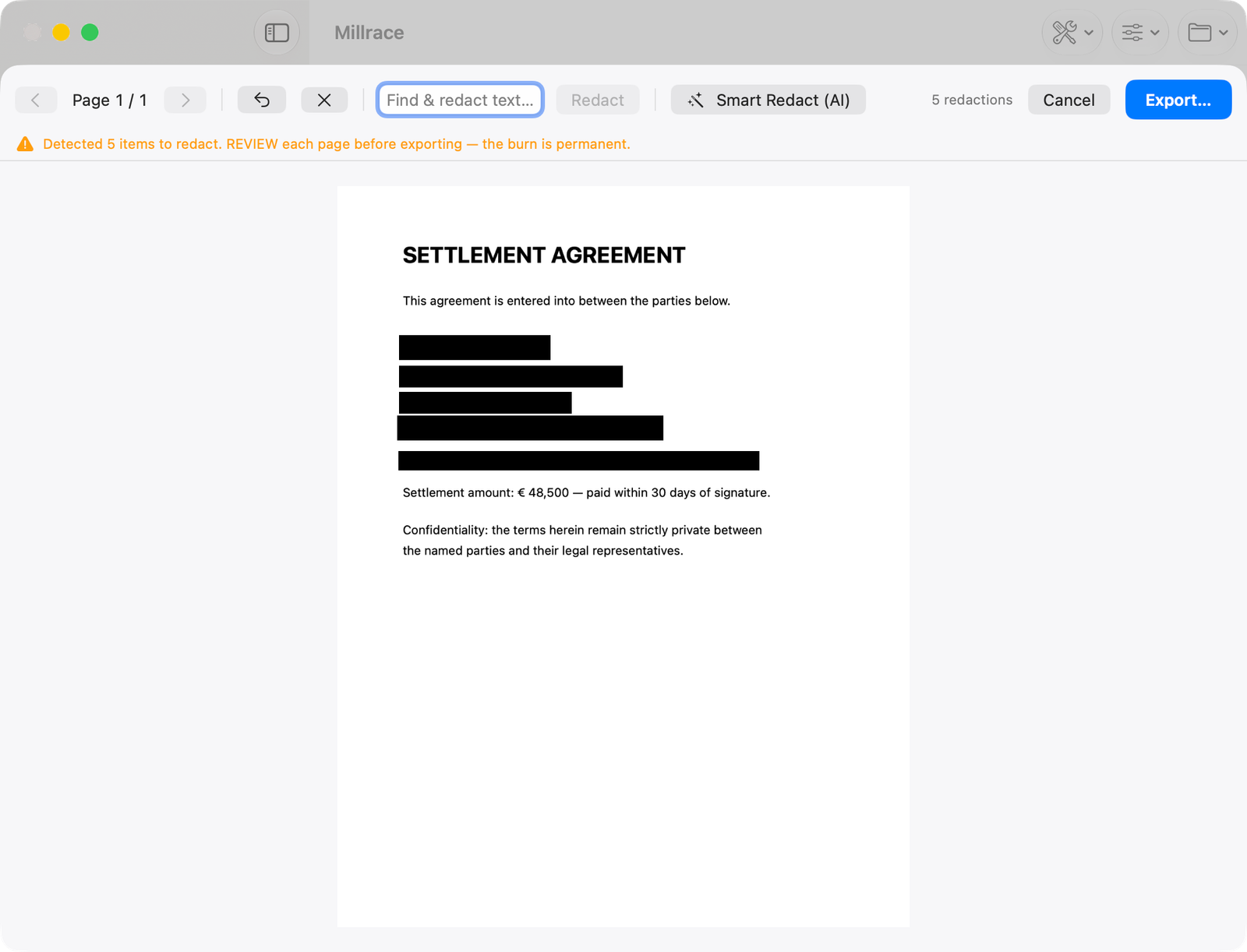
The only batch OCR a lawyer is allowed to use.
Auto-detects names, emails, phone numbers and IBANs, then truly burns them out of the page — not a black box you can copy the text out from underneath. Redaction that holds up.
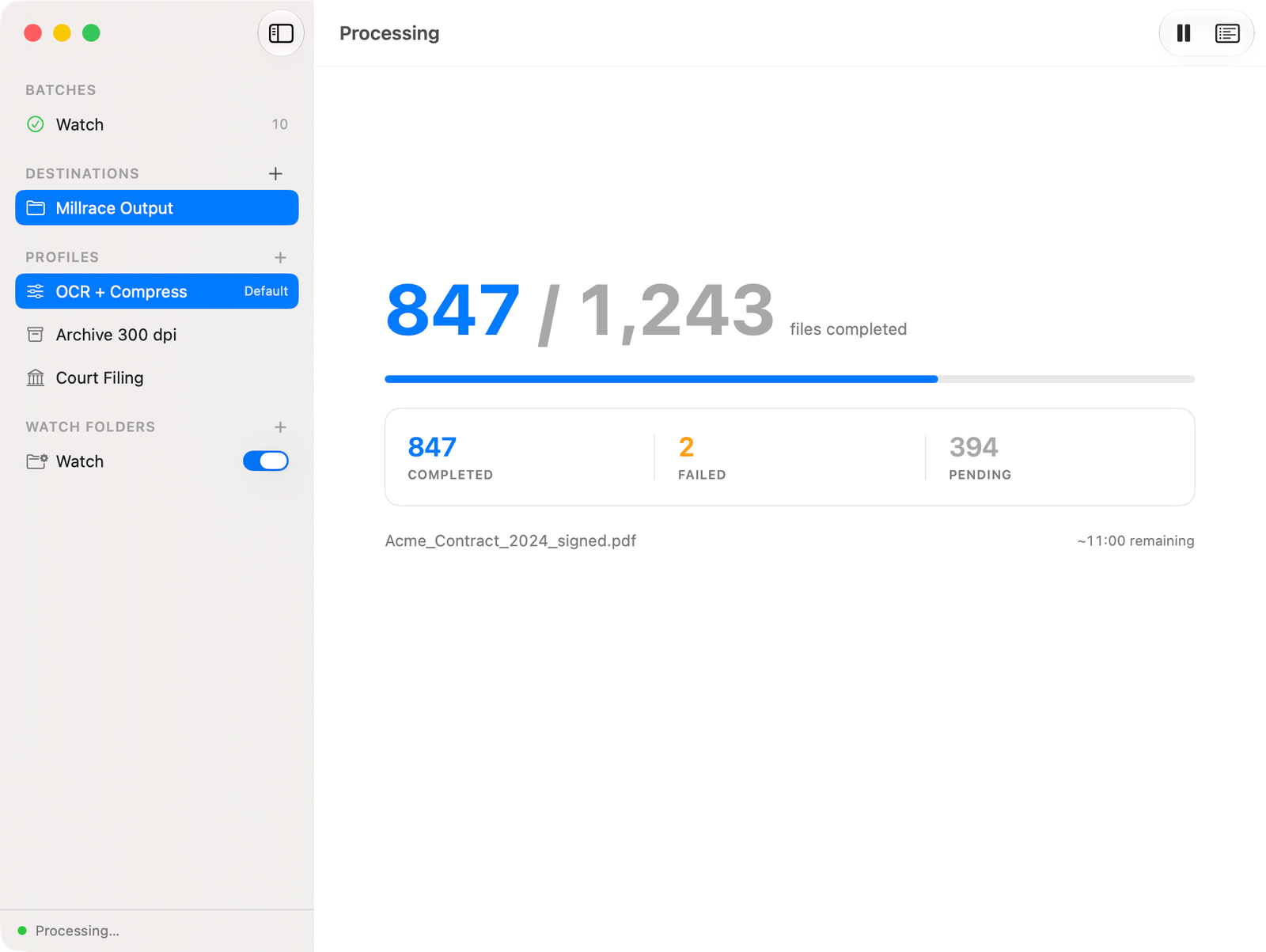
Drop a folder of thousands of scans and close the lid. Every file is journaled as it completes, so sleep, power loss or a quit mid-run picks up exactly where it stopped — never reprocessing, never losing the queue.
Check whether a batch of contracts is signed and valid, with a SHA-256 audit trail.
Sequential Bates numbering plus CONFIDENTIEL / COPIE stamps across a whole exhibit set in one pass.
Sorts output by type — invoices, IDs, contracts — into folders, on-device.
Embeds compliant Factur-X e-invoice XML for the French e-invoicing mandate.
Point at a folder once; anything dropped in is processed automatically.
Shrinks finished PDFs without wrecking legibility, so archives stay small.
How do I know it isn't uploading my documents?
No account, no login, no sync, and no network requests for your docs. Turn off Wi-Fi and run a full batch — it works the same. Privacy is the architecture, not a policy.
Won't OCR on thousands of files crash halfway?
Every file is journaled as it completes. Sleep, power loss or quit and Millrace resumes from the last finished file. It never reprocesses and never loses the queue.
Pay once — does that mean abandoned, or features locked behind upgrades?
$49.99 buys everything today, forever — every Pro tool, no in-app purchases. A major new version is a separate paid upgrade you can choose to take; the app you bought keeps working regardless.
| Adobe Acrobat Pro | Millrace | |
|---|---|---|
| Price | ~$239/yr, forever (approx., 2026) | $49.99 once |
| Your files | through their cloud | never leave your Mac |
| Account | required | none |
| After 2 years | ~$480+ | still $49.99 |
No subscription. No account. No in-app purchases.
One-time purchase on the Mac App Store
Available on the Mac App Store · One-time purchase
Requires macOS 14 or later, Apple Silicon.