iPhone & iPad
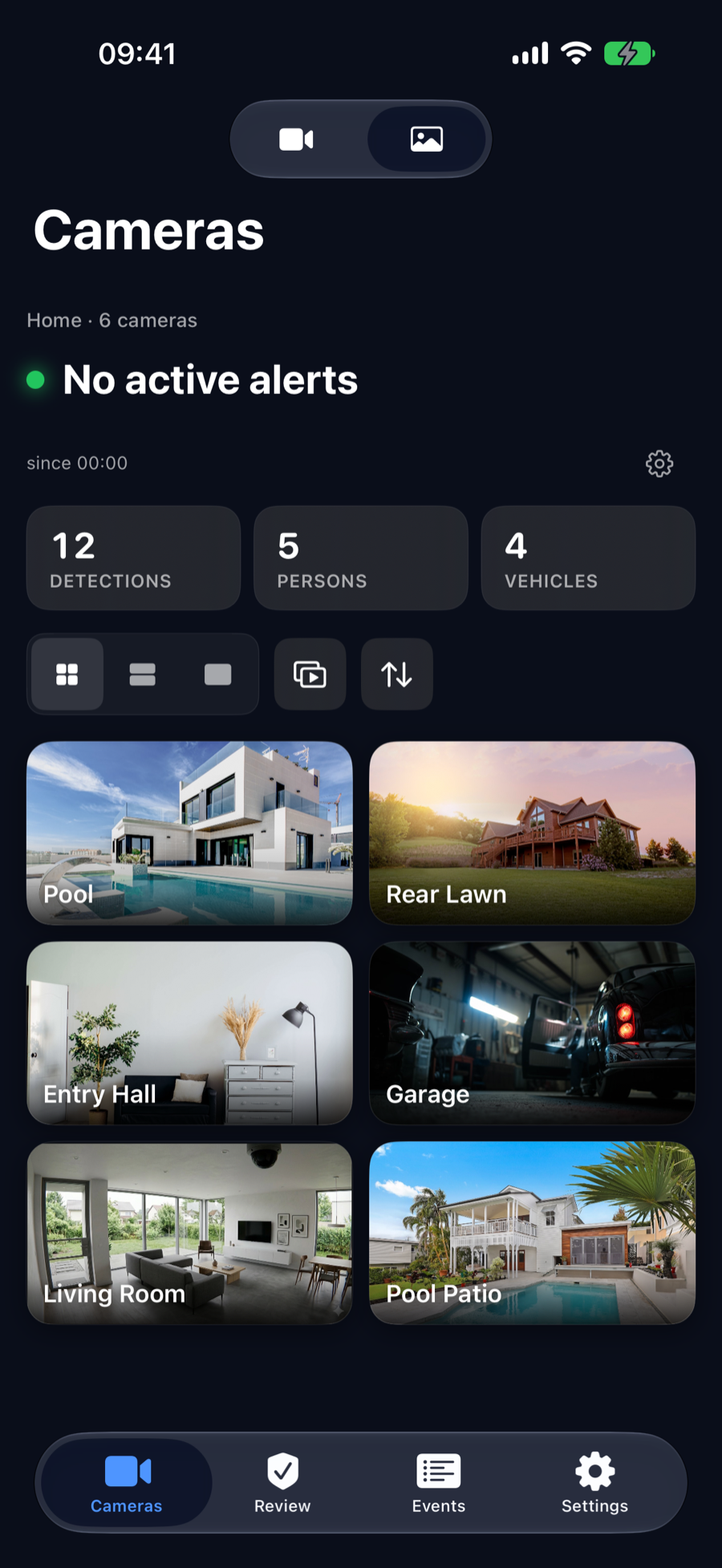
Live camera grid, full-screen with pinch-to-zoom, event browsing, recording playback, and PTZ controls. iPad supports multi-window for side-by-side monitoring.
Frigate NVR App for iPhone & Mac
The Frigate NVR Companion
View every camera in your Frigate setup with real-time snapshots and smooth MJPEG streaming. Go full-screen with pinch-to-zoom, control PTZ cameras with a responsive D-pad, and manage multiple Frigate servers from a single app.
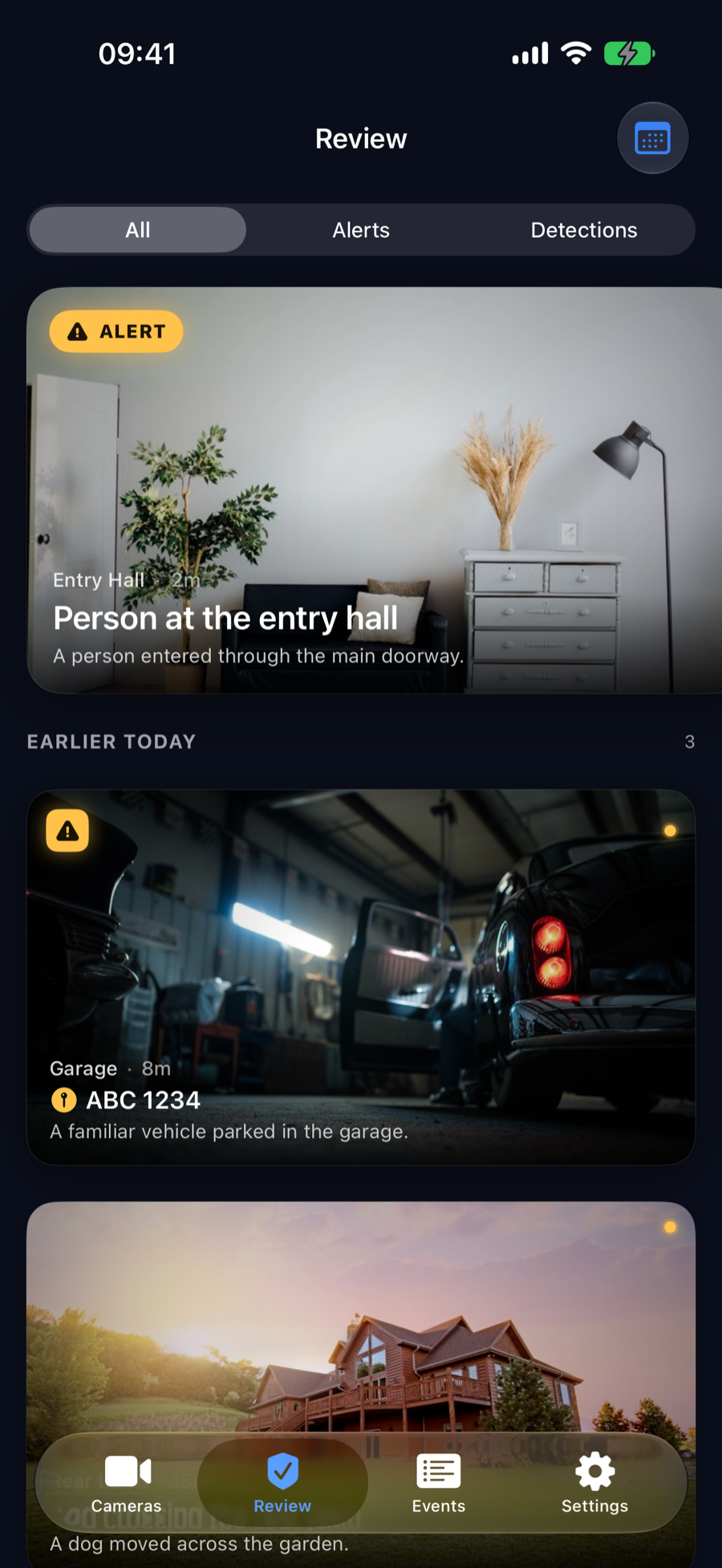
Browse detection events powered by Frigate's AI engine. Use semantic search to find events by description, manage recognized faces, track license plates, and play back recordings from multiple cameras in perfect sync.
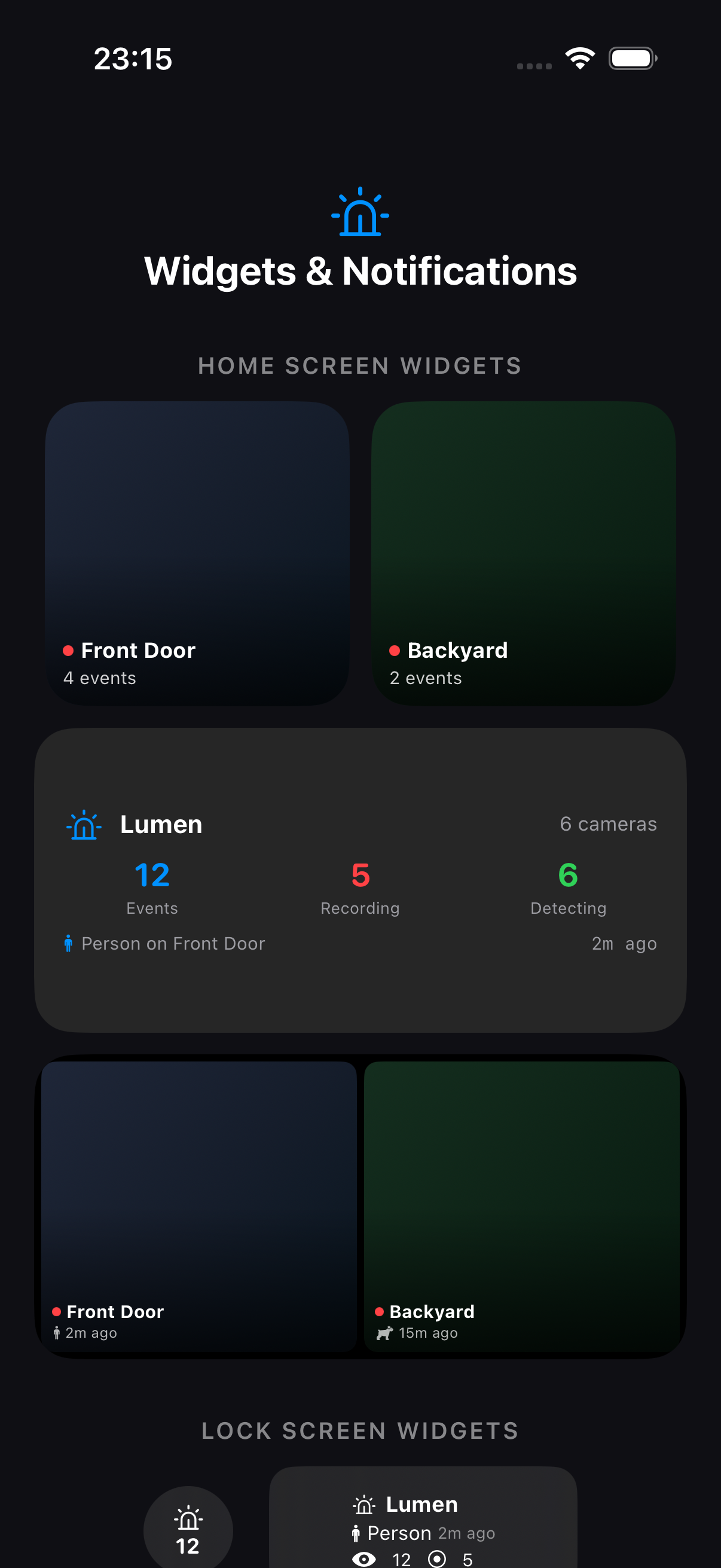
Monitor cameras from your wrist with Apple Watch. See detections in Dynamic Island with Live Activities. Pin cameras to your Home and Lock Screen with widgets showing live status and event counts. Automate with 40+ Siri Shortcuts. Get smart push notifications with profiles, cooldowns, and false-positive filtering.
Live camera grid, full-screen with pinch-to-zoom, event browsing, recording playback, and PTZ controls. iPad supports multi-window for side-by-side monitoring.
Native macOS app with menu bar quick access, full feature parity with iOS, multi-window support, and keyboard shortcuts for power users.
Camera list with snapshots, recording and detection indicators, complications for your watch face, and live data sync from your iPhone.
Big-screen camera dashboard with mosaic view, event browsing with tvOS-optimized navigation, live streaming, and Handoff support from iOS.
Native visionOS camera monitoring with floating panels in your space. View your cameras alongside your other apps in mixed reality.
Single camera, dual camera, camera grid, and status overview widgets for your Home Screen. Lock Screen widgets and Live Activities for at-a-glance monitoring.
Search events by description — "person at front door" or "car in driveway." AI-powered discovery finds exactly what you're looking for.
Pan, tilt, and zoom your ONVIF-compatible cameras with a responsive D-pad. Save and snap to preset positions with one tap.
Browse recorded footage with an intuitive timeline. Synced multi-camera playback, speed controls, and clip export to Photos or Files.
Per-camera cooldown, quiet hours, false-positive filters, and per-label priority. Quick profiles (Away/Home/Sleep) switch all cameras in one tap. Full notification log shows every decision. Mute a camera for 30 minutes right from the notification.
40+ app intents: show cameras, check status, toggle detection, search events, arm/disarm all cameras, export clips, and more — all via voice or automation.
Real-time FPS monitoring, detector inference speed, GPU and CPU usage, storage metrics, and network latency. Plus: top detected objects, events by camera, detection heatmaps, camera availability tracking, and event trend analysis.
Browse known faces, register new ones from your Photos, and filter events by recognized people. Track face detection history across cameras.
Track detected license plates grouped by number with event counts and detection history. Filter events by specific plates across all cameras.
Connect to multiple Frigate instances. Auto-discover servers on your network with subnet scanning and Tailscale integration.
Stay informed even without a connection. Cached data lets you review recent events and snapshots while offline.
View and manage detection zones across cameras. Custom zone aliasing and polygon editing for fine-tuned monitoring areas.
Toggle detection, recording, snapshots, and audio per camera. Full control over your surveillance setup from any device.
One-tap diagnostic bundle with connection logs, server config, and system data. Privacy-first sharing — passwords are never included. Debug connection issues in seconds.
Hit a connection issue? Generate a one-tap diagnostic report with everything you need to troubleshoot — connection logs, server config, notification history, and more. Share it directly from the app.
Generate a comprehensive diagnostic bundle with a single tap. Includes connection logs, server configuration, notification history, latency stats, device info, and system logs — all in a shareable .zip file.
A clear confirmation screen shows exactly what's included before you share. Passwords are never collected. Server URLs and local network addresses are included only for debugging.
Available in Settings under Diagnostics, and directly on the connection error screen — so when something goes wrong, help is one tap away.
Per-camera notification cooldown prevents alert fatigue. Quick Profiles (Away, Home, Sleep) configure all cameras in one tap.
Every notification decision is logged with a clear reason — see what was sent, what was blocked, and why. Filter by camera or outcome.
Ignore stationary objects like parked cars. Set minimum detection duration to filter brief ghost detections. Per camera.
A person at 2 AM matters more than a cat. Set Time Sensitive for people, Passive for animals — per camera, per object type.
False positive? Swipe the notification and tap "Mute Camera 30m" — detection pauses and re-enables automatically.
Top detected objects, events by camera, camera availability monitoring, and event trend indicators vs your weekly average.
$0
$1.99/mo
$9.99/year · $29.99 lifetime