What leaves your device
Most apps ask you to trust them. This one shows you the boundary.
Three lines leave your phone at all. Here is what each one carries, and what it does not.
Your device
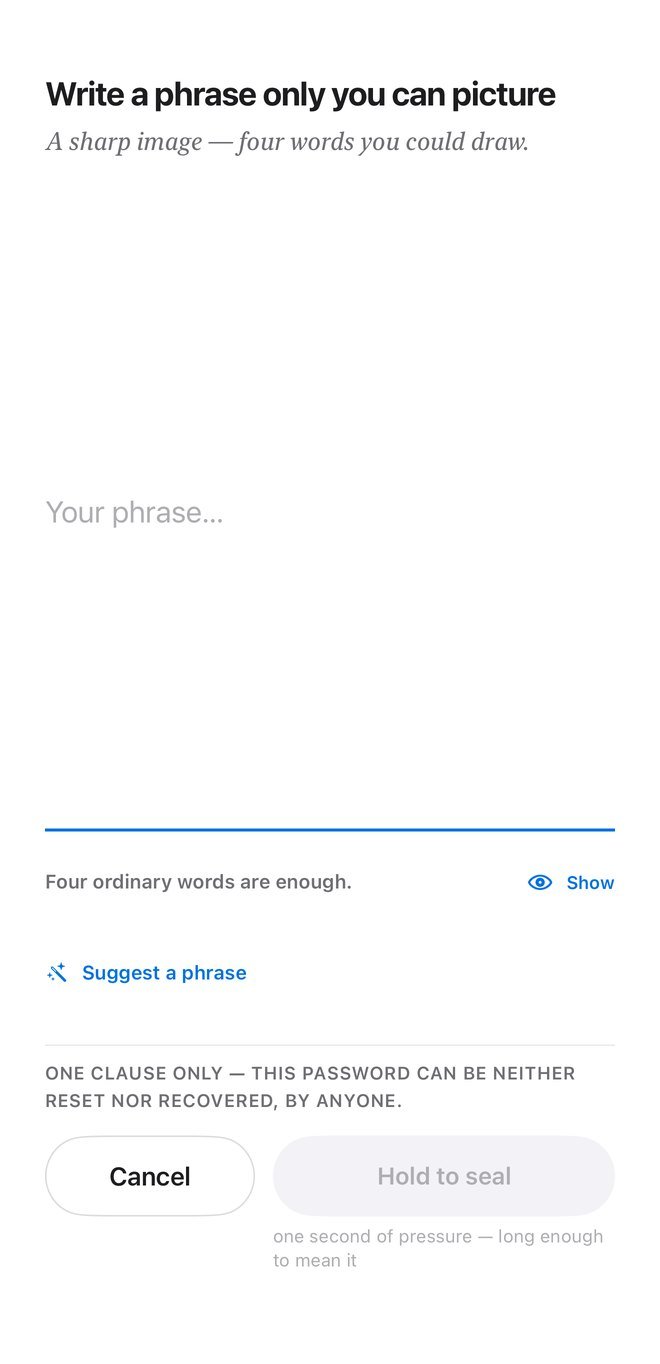
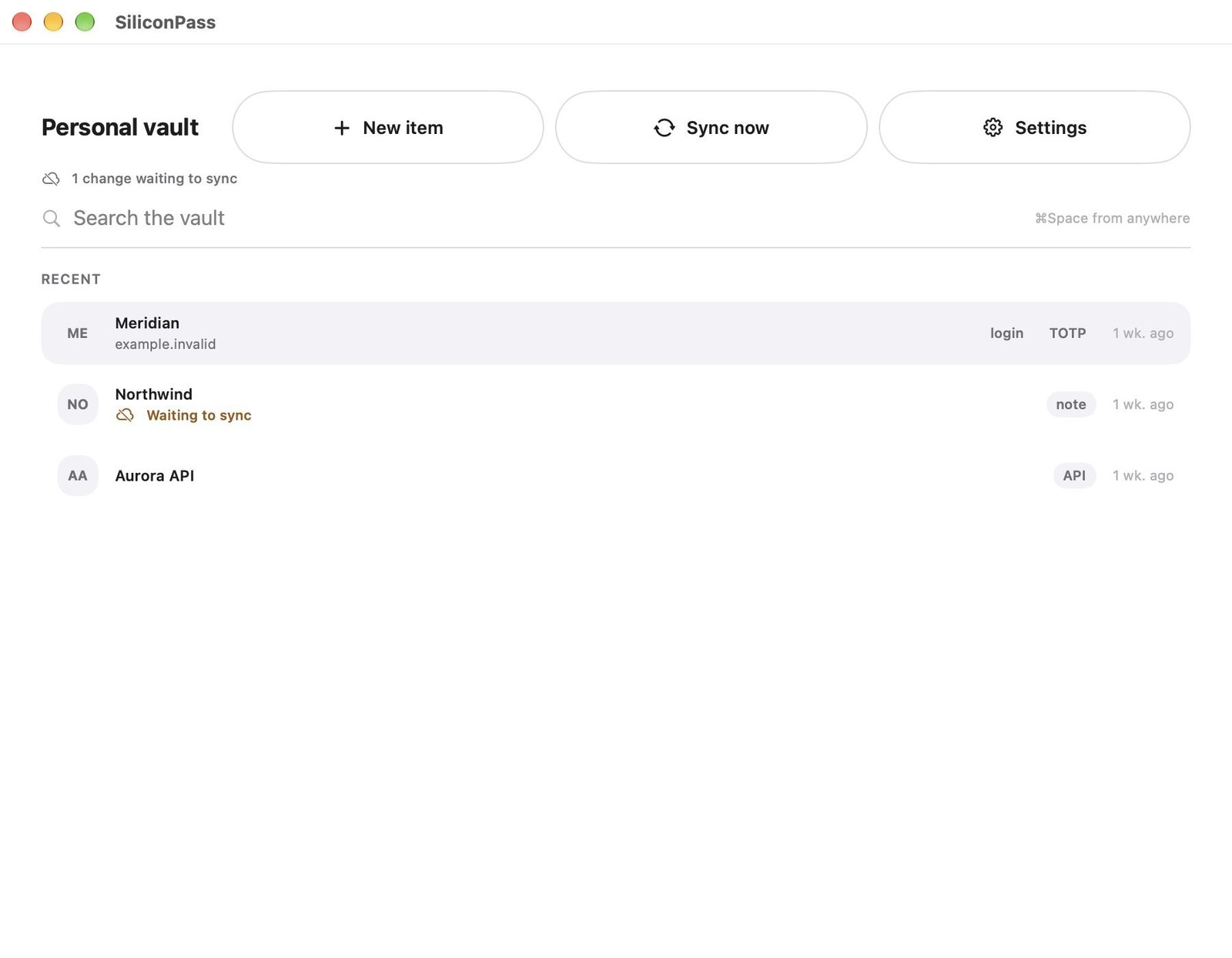
master passphrase · vault key · titles · sites · usernames · passwords · one‑time codes · SSH keys — nothing on this line crosses the frame
to iCloud
Content sealed with AES‑GCM, plus the minimum a merge needs: record kind, a clock, which device wrote it.
Apple can count your items and devices. It cannot read a single field.
to HIBP
Five characters of a hash. Never the password, never the site.
off until you turn it on
to us
Nothing. There is no server.
no account · no analytics SDK · no crash reporter
One passphrase, and nobody holds a copy.
Argon2id stretches your passphrase, the function built to make guessing expensive, and binds it to the Secure Enclave where the hardware provides one. Every record is sealed on its own. Nothing is kept in the clear, anywhere, at any point.
It cannot be reset or recovered, by us or by Apple. That is a design decision, and it is the reason the vault is yours.
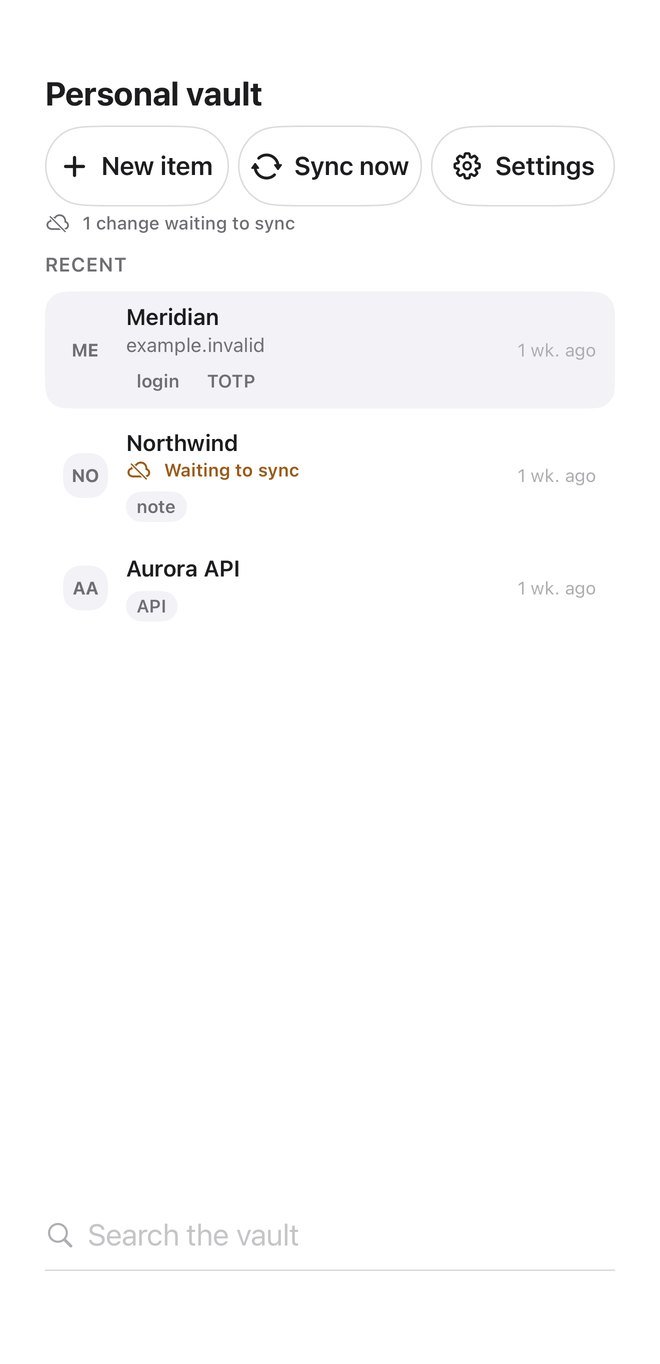
A reused username stitches your accounts back together.
A unique password protects one account. A unique email alias hides your real address. But the same username everywhere undoes both, so SiliconPass also draws a distinct pseudonym per site, from ordinary words you could say out loud over the phone.
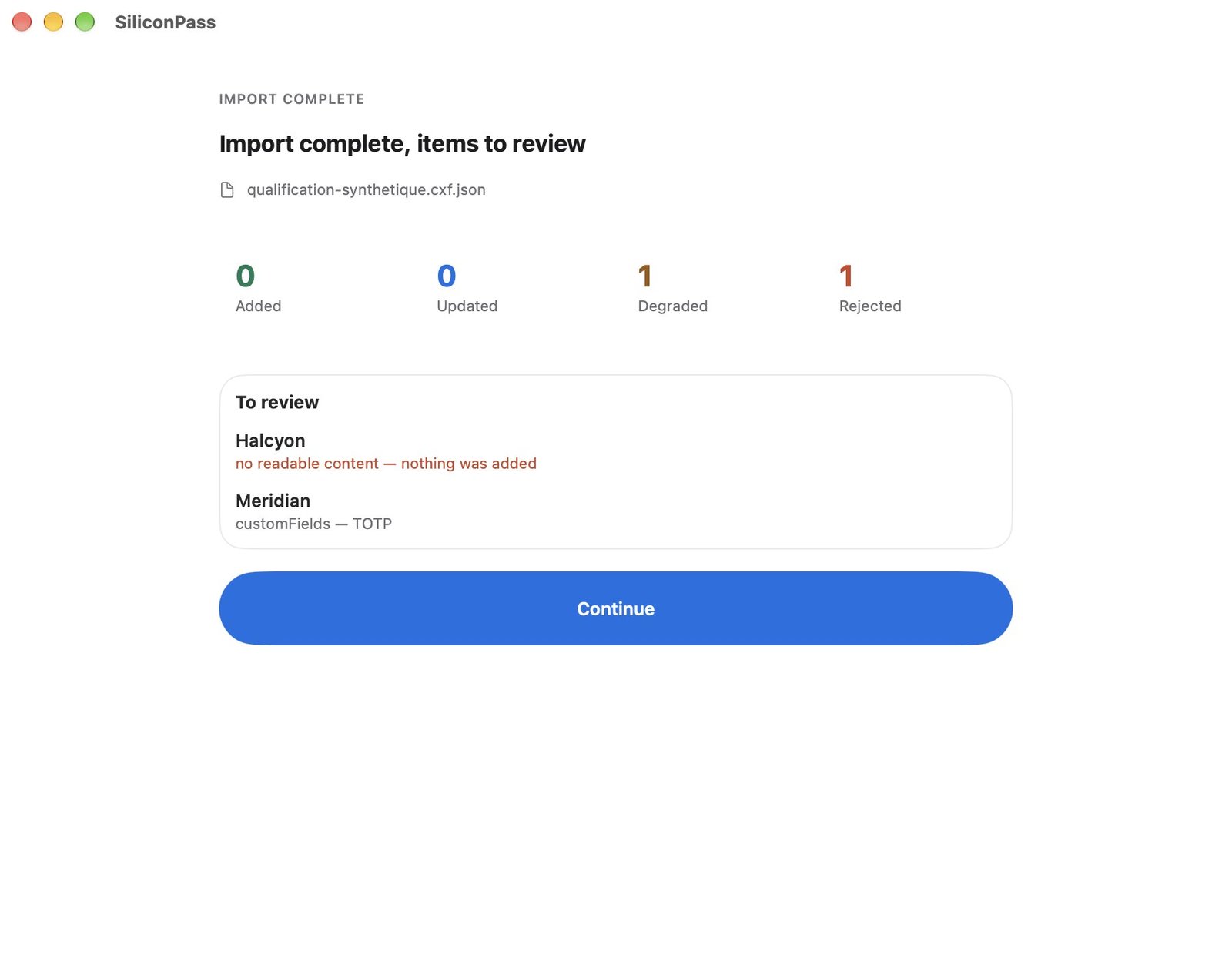
An import that quietly drops a field is worse than one that says so.
Credential Exchange brings your logins over from Apple Passwords, 1Password and Bitwarden, then the report tells you exactly what happened to every record: what arrived, what was degraded, what was refused.
AutoFill
Passwords, passkeys and one‑time codes, in apps and on the web, across iPhone, iPad and Mac.
Safari extension: not in this version
Breach checking
Compares your passwords against known breaches without revealing them.
off by default · five characters of a hash leave the device
Credential Exchange import
From Apple Passwords, 1Password and Bitwarden, with a report of what arrived, what was degraded and what was refused.
CSV and KDBX: not read yet
SSH agent
Serves your keys to the terminal from the same vault, so a private key never sits unencrypted in your home directory.
macOS only
What this app will not do
The refusals are part of the design.
Free. No account. Nothing measured.
Available now on Mac. iPhone and iPad coming soon. The vault stays on the device; sync, breach checking and email aliases are each yours to switch on, one at a time.